

Disable ACR on Samsung, LG, and Sony TVs to cut a major privacy risk
ACR tracking is easy to miss, hard to spot later, and simple to turn off with the right TV settings.
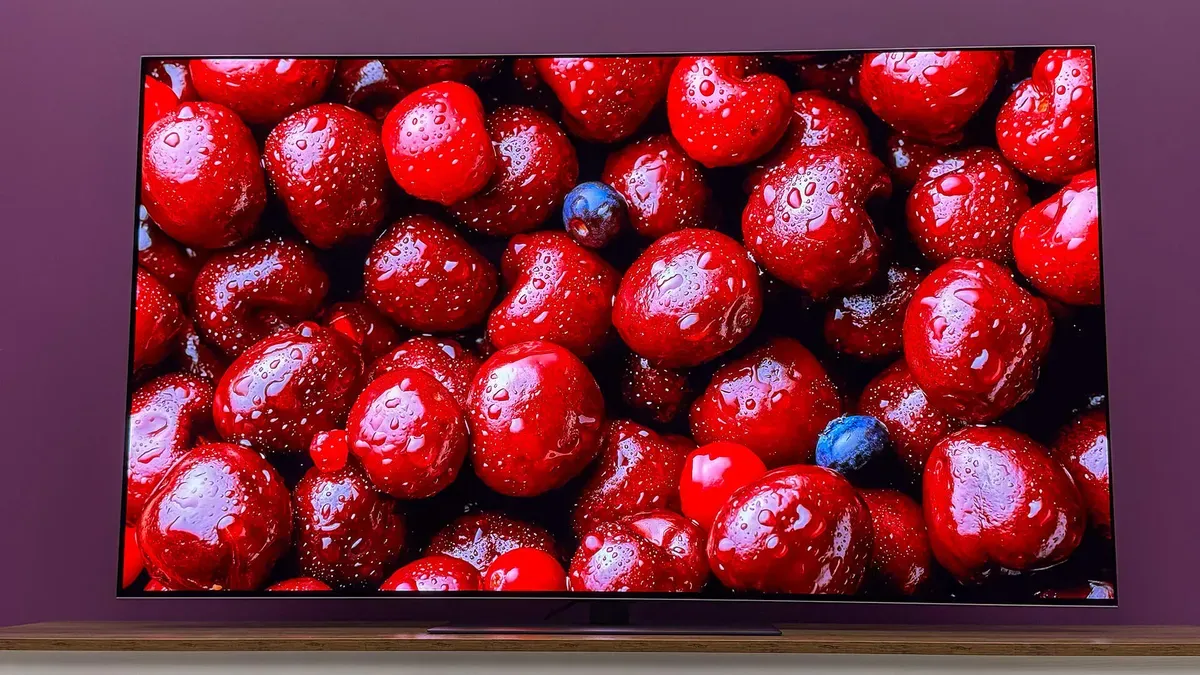
ZDNet outlines how Samsung, LG, and Sony TVs can create data privacy risks through ACR, automatic content recognition. It also explains how to disable ACR to reduce one of the biggest privacy concerns tied to connected TVs.
If you own a connected Samsung, LG, or Sony TV, there is a privacy risk hiding in plain sight: ACR. Automatic Content Recognition can identify what is playing by “listening” to audio and matching it to content references. ZDNet’s core message is blunt: if you want to reduce one of the biggest data privacy issues associated with modern televisions, you should disable ACR on your TV.
The practical part matters because ACR is not the kind of feature most people notice. You buy the TV for picture quality, not for telemetry. But once you connect the set to the internet and accept typical setup flows, the TV can begin collecting data about what it recognizes. ZDNet’s how-to is essentially your escape hatch: turn off ACR so the TV stops performing that recognition behavior. Do it now, not after you have a reason to worry, because the easiest time to control data sharing is before it is happening.
To understand why this is such a big deal, it helps to know how connected TV ecosystems generally work. TVs today are not just screens. They are networked devices with apps, voice assistants, advertising integrations, and analytics. That creates multiple “data surfaces” at once: device identifiers, viewing behavior, app usage, and in some cases, content recognition. ACR is especially sensitive because it links audio cues to specific programs or channels, potentially producing a more granular picture of viewing habits than basic on-device usage metrics.
Regulators and lawmakers have increasingly focused on exactly this category of behavioral data. The reason is simple: the data can be used to infer interests, habits, and preferences. Even if a TV maker frames the feature as improving personalization, the board-level question is whether the company is collecting more than it needs, and whether users were clearly informed. In the privacy world, “dark patterns” and unclear settings are the enemy, not innovation. So disabling ACR is not just an end-user tip. It is a way to align the behavior of consumer technology with the expectations people actually have when they buy a TV.
From an operational standpoint, the most important detail is that “ACR” is easy to miss because it is often blended into broader smart TV settings menus. ZDNet’s guidance walks you through the specific steps you can take on Samsung, LG, and Sony models so you can locate the ACR toggle and shut it off. The big win is that you are not relying on future promises or vague privacy statements. You are changing an active feature that can collect data in the first place.
There are also second-order implications for decision-makers who care about trust, risk, and compliance, even if you are not personally adjusting your TV. First, connected devices create a board-level footprint that many enterprises underestimate. Smart TVs and media devices are sometimes treated like consumer gadgets, but they can still sit on work Wi-Fi, in hospitality settings, or in homes tied to corporate households, schools, and other sensitive environments. Second, privacy controls that are hard to find create audit nightmares. If a feature can capture recognition signals, then the ability to disable it becomes part of the “practical privacy” conversation.
Finally, think about what disabling ACR signals to the broader ecosystem. When users and organizations reduce or remove data collection, it pressures product teams to justify the feature’s value relative to privacy cost. That can influence how companies design onboarding, labeling, and default settings going forward. The strategic stakes are bigger than one toggle because ACR is a representative example of the “always-on” data collection pattern that regulators are watching closely.
Bottom line: ZDNet’s recommendation is straightforward for a reason. Samsung, LG, and Sony TVs can pose data privacy risks through ACR, and you can reduce one of the biggest issues by disabling it in your TV settings. If you lead in technology, privacy, risk, or compliance, treat this as a wake-up call: the privacy controls you cannot find, and the settings that users do not realize are active, are where trust goes to die.
This story's Key Insights and Take-aways are locked.
Create a free account to unlock Executive Actions for one credit.
Register to UnlockAlways free for Executives Club members. Join the Club
More in Technology

Nvidia's $89B data center quarter: the 9 companies cashing in
The AI buildout is minting fortunes beyond GPUs, and memory, cloud, and cooling suppliers are riding the same wave.
Google quietly links your phone number to every Android account on your SIM
Adding a SIM now ties your phone number to all Google accounts - and future accounts inherit it. Here's the security and privacy stakes.

Hijacker AI 'Skynet mode' runs 100,000 attack steps against exposed models
Symantec caught a criminal AI agent that borrows other models, steals data, and mines crypto; the only relief is no confirmed victims yet.