
Wi-Fi theft: 3 signs intruders hit your network, and 3 fixes that work
Know the three behavioral red flags that someone is on your Wi-Fi, then shut it down step-by-step.
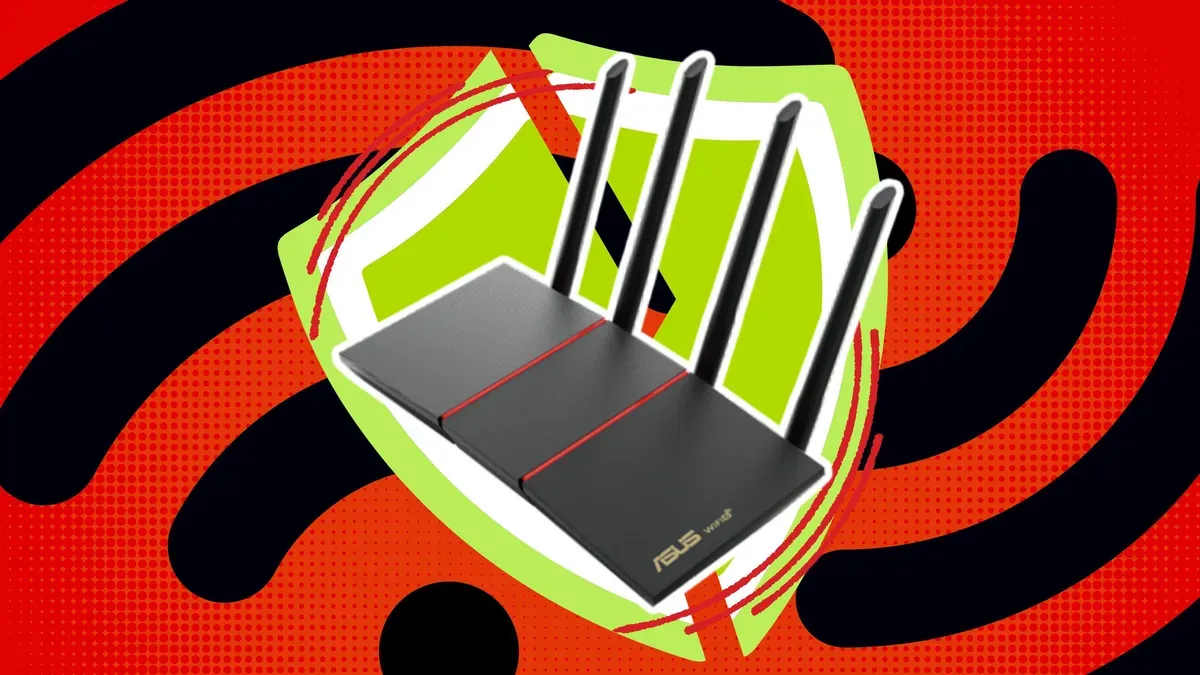
ZDNet lays out three telltale signs someone may be using your Wi-Fi without permission, plus practical steps to confirm and stop it. For decision-makers, this matters because unmanaged access can quietly degrade performance and increase security risk across devices and systems.
If you suspect someone might be on your Wi-Fi without permission, start with the obvious problem: your network can look “fine” while still being compromised. ZDNet flags three telltale signs someone is stealing your Wi-Fi, and then walks through how to get to the bottom of it.
The fastest way to stop guessing is to treat the issue like an investigation, not a vibe check. The first sign is that your Wi-Fi performance is acting off, such as speeds dropping or connections behaving inconsistently when demand has not changed. The second sign is that devices you do not recognize appear on your network. The third sign is that your router settings and access patterns do not add up, for example changes you did not make or traffic that seems to come from unexpected places. Together, these are the practical “tells” ZDNet points to when someone may be using your network without authorization.
Now, zoom out for a second and remember what Wi-Fi actually is in 2026: the default doorstep for everything else. From laptops and phones to smart speakers, streaming boxes, cameras, and even office systems that employees plug in when they want to “just get online.” If an intruder is on your Wi-Fi, the first order issue is usually bandwidth and reliability. The second order issue is access. Even if they cannot “hack your company” in a movie-style way, they may still be able to observe traffic patterns, probe connected devices, or exploit weak spots elsewhere on your network. In an office environment, that creates an ecosystem risk, not just a router problem.
This is why the “confirm and contain” approach matters. ZDNet’s guidance is essentially a two-stage playbook: verify whether unauthorized access exists, then lock the network down so it cannot happen again. The verification step typically focuses on whether unfamiliar devices are present. That is where you shift from symptoms to evidence. If you are seeing performance problems, you want device-level confirmation, not just faster internet dreams.
Once you identify potential unauthorized access, the stop-the-bleed moves should be immediate. ZDNet’s framing is straightforward: change your Wi-Fi password, make sure your router security settings are updated, and ensure only authorized devices can connect. In practice, that means resetting any “weak link” credentials and removing unknown devices from the network. It also means tightening the authentication approach your router uses, so that the network is not relying on something easy to guess or shared.
There is also a governance angle here that matters to executives and boards. Wi-Fi theft is often treated like an IT inconvenience, but it reflects a broader control problem: access management. If a network can be reached and used without appropriate safeguards, then similar failures can exist in other systems. Cybersecurity and network security are rarely about one dramatic breach. More often, they are about how many small control gaps an organization leaves open. Wi-Fi is a high-visibility gap because it is public by design, and because organizations often rely on home-style setups even in semi-formal workplaces.
Regulatory and compliance expectations do not usually tell you “use Wi-Fi password rotation” in plain English, but they do converge on a theme: reduce unauthorized access and maintain security controls. If your network is being used by someone you cannot account for, you have a hard-to-defend access-control story. Even for organizations not under heavy regulatory pressure, the reputational and operational cost of recurring outages or suspected compromise can still be severe.
So what should a leader take from ZDNet’s three signs? Treat them as a trigger to formalize your network hygiene. If you see unusual performance changes, unexpected devices, or unexplained router behavior, move quickly: verify, change credentials, and re-secure the router configuration. The strategic stakes are simple. Your Wi-Fi is the front door. If the locks are loose, everything behind it is vulnerable to the kind of “quiet” disruption that employees notice first, and customers or auditors notice later.
This story's Key Insights and Take-aways are locked.
Create a free account to unlock Executive Actions for one credit.
Register to UnlockAlways free for Executives Club members. Join the Club
More in Technology

Nvidia's $89B data center quarter: the 9 companies cashing in
The AI buildout is minting fortunes beyond GPUs, and memory, cloud, and cooling suppliers are riding the same wave.

A YouTuber dissected the iPhone Duo and thinks he found crackgate's cause
CuriousHagi's teardown of Apple's foldable reveals a gear-like hinge that may explain why screens crack in the same spot within hours.

Google quietly links your phone number to every Android account on your SIM
Adding a SIM now ties your phone number to all Google accounts - and future accounts inherit it. Here's the security and privacy stakes.